
If you’ve run services on EKS, you’ve probably had the same frustration I have: AWS Application Load Balancer is great for TLS termination and routing, but the moment you need URL rewriting, you’re stuck deploying nginx as a reverse proxy behind it. Two load balancers, an extra pod to maintain, and one more thing to patch.
That’s finally over. AWS added native URL rewriting to ALB in October 2025, and the timing couldn’t be better – the Kubernetes community announced that Ingress NGINX is retiring on March 31, 2026. The last reason to run nginx on EKS just disappeared.
The problem
I run a small test application on EKS called Yin-Yang – it displays different colors based on the hostname it’s running on, which makes it easy to visualize load balancing across pods. The app expects to be served at /, but I want it under a /yinyang subpath on my domain. That means something needs to strip the prefix before the request hits the container.
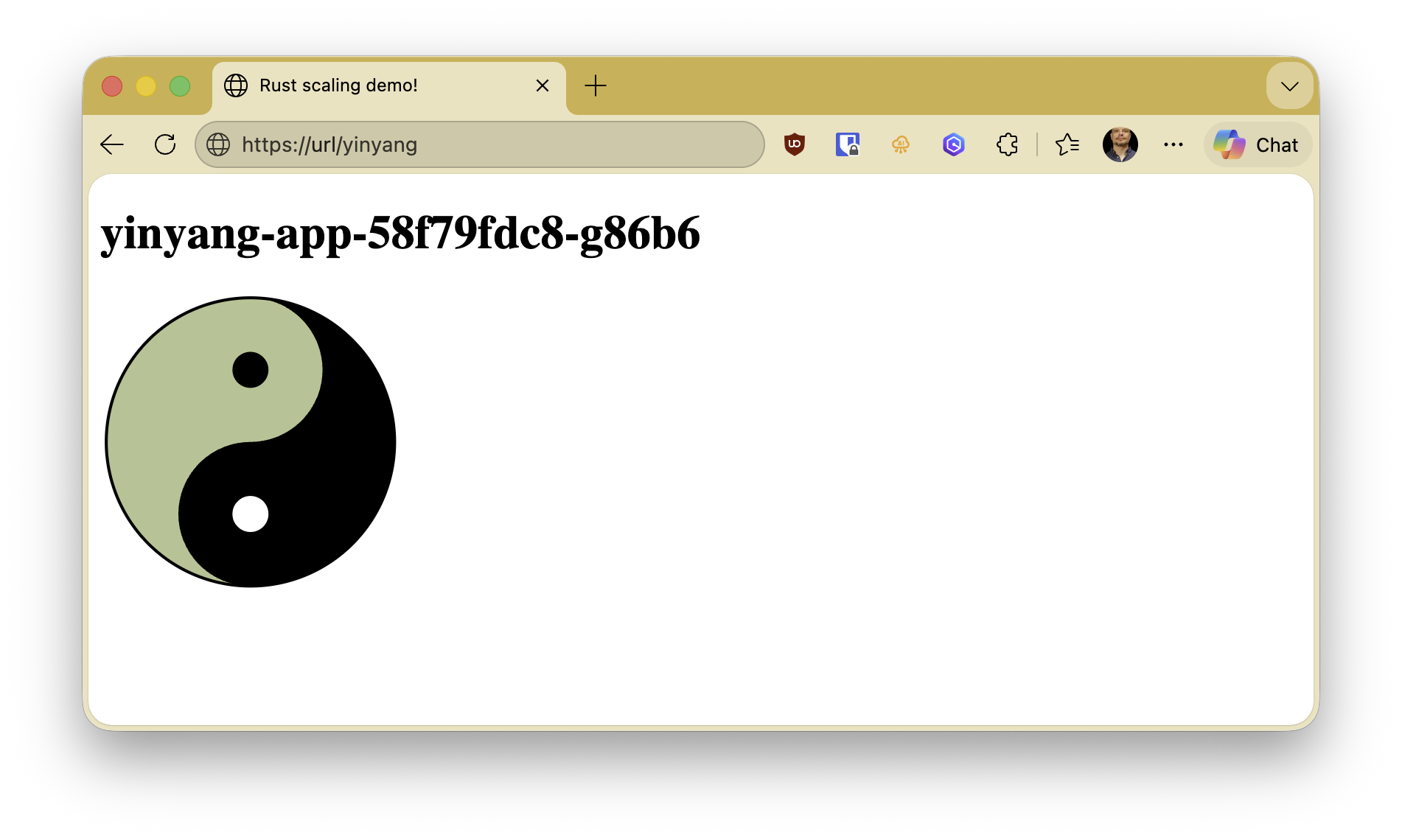 The Yin-Yang test app – each pod gets a unique color, making it easy to see which pod is serving your request. Written in Rust, because why not.
With nginx, this is one annotation:
| |
With ALB, this was impossible. ALB could route based on paths, but it couldn’t modify the URL before forwarding. The workarounds were all bad:
- Give each service its own subdomain –
yinyang.example.cominstead ofexample.com/yinyang. Avoids the rewrite problem entirely, but now you need a DNS record and TLS certificate per service. Doesn’t scale. - Hardcode the subpath into the container – make the app serve from
/yinyanginstead of/. Couples your deployment topology to your application code. Move the app to a different path and you’re rebuilding the container. - Deploy nginx behind ALB – ALB handles TLS, nginx handles the rewrite. Works, but you’re running a whole reverse proxy for one annotation.
Most people, myself included, went with option 3. So the standard EKS pattern became:
Internet -> ALB (TLS + routing) -> nginx (URL rewrite) -> Service -> Pods
Two hops. Two things to configure. Two things that can break.
The old setup
Here’s what my config looked like. First, an ALB ingress that catches all traffic and forwards it to nginx:
| |
Then a separate nginx ingress that does the actual rewrite:
| |
Plus the nginx ingress controller itself – a Helm chart, a deployment, a service, RBAC rules. All for one URL rewrite.
What changed
On October 15, 2025, AWS announced native URL and host header rewrite for ALB. The feature uses regex-based pattern matching and is configured through listener rule transforms.
The AWS Load Balancer Controller for Kubernetes picked this up via the transforms annotation. Here’s my entire setup now – one file:
| |
The key is the transforms annotation. It takes a JSON array of transform rules – in this case a regex that strips the /yinyang prefix and ensures a leading slash. The annotation name includes the service name (transforms.yinyang-service) so you can have different rewrites for different backends.
Before and after
TLS + routing] B1 --> C1[nginx pod
URL rewrite] C1 --> D1[Service] end
TLS + routing
+ rewrite] B2 --> D2[Service] end
What I removed:
- The nginx ingress controller Helm chart
- The nginx ingress controller deployment and service
- The ALB-to-nginx ingress resource
- The nginx ingress resource
- All the RBAC for nginx
What I kept:
- One ALB ingress resource with the
transformsannotation
The nginx retirement
The timing matters here. In November 2025, the Kubernetes SIG Network and Security Response Committee announced that the community Ingress NGINX controller is retiring. Best-effort maintenance continues until March 31, 2026 – after that, no releases, no bugfixes, no security patches.
This isn’t about NGINX the web server (that’s fine) or the commercial NGINX Ingress Controller from F5 (that’s a separate product). It’s specifically the community-maintained Kubernetes Ingress NGINX controller that most of us have been using.
The recommended migration path is to the Kubernetes Gateway API, which is the successor to the Ingress API. But if your main reason for running nginx was URL rewriting behind ALB – as mine was – you can skip that entirely and go ALB-native.
Things to watch out for
A few notes from the migration:
The transforms annotation is per-service. The annotation key includes the backend service name: alb.ingress.kubernetes.io/transforms.yinyang-service. If you have multiple backends with different rewrite rules, each gets its own annotation.
Regex syntax. The rewrite uses standard regex. My pattern ^/yinyang/?(.*)$ -> /$1 handles both /yinyang and /yinyang/ and /yinyang/anything/else. Test your patterns.
AWS Load Balancer Controller version. Make sure you’re running a recent version that supports the transforms annotation. I’m using v2.12+ which has full support.
EKS Auto Mode. If you’re on EKS Auto Mode, the transforms work slightly differently through the built-in ingress handling rather than the standalone controller. Check the AWS documentation for the specifics.
The bottom line
For years, the answer to “how do I rewrite URLs on EKS” was “deploy nginx.” Now it’s one annotation. If you’re still running nginx purely for URL rewriting, this is a good time to simplify – especially with the March 31 retirement deadline approaching.
The configs shown here are from a real EKS cluster I use for testing AWS features. If you’re doing something similar, I’d love to hear about your setup – find me on LinkedIn or Bluesky.